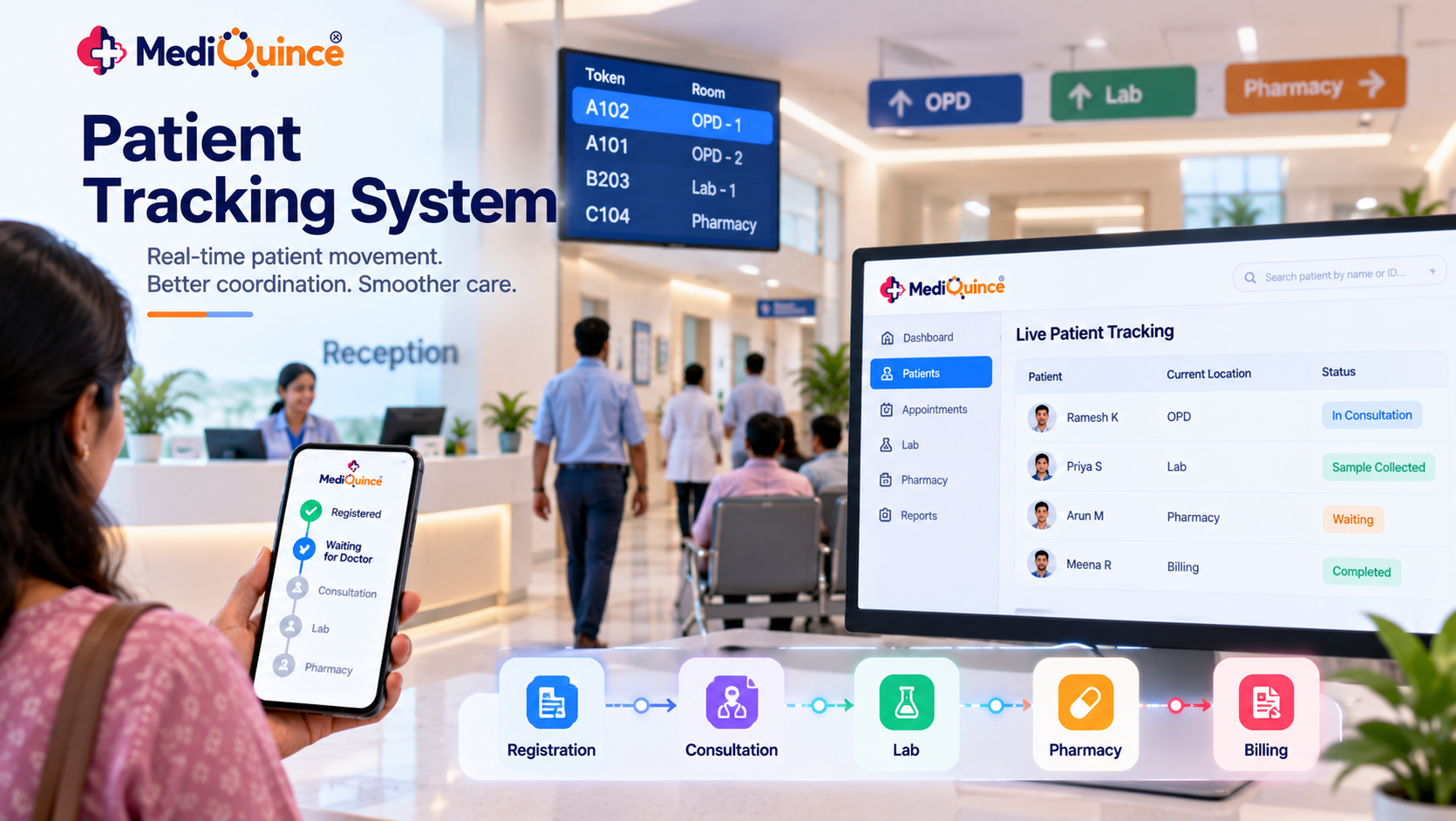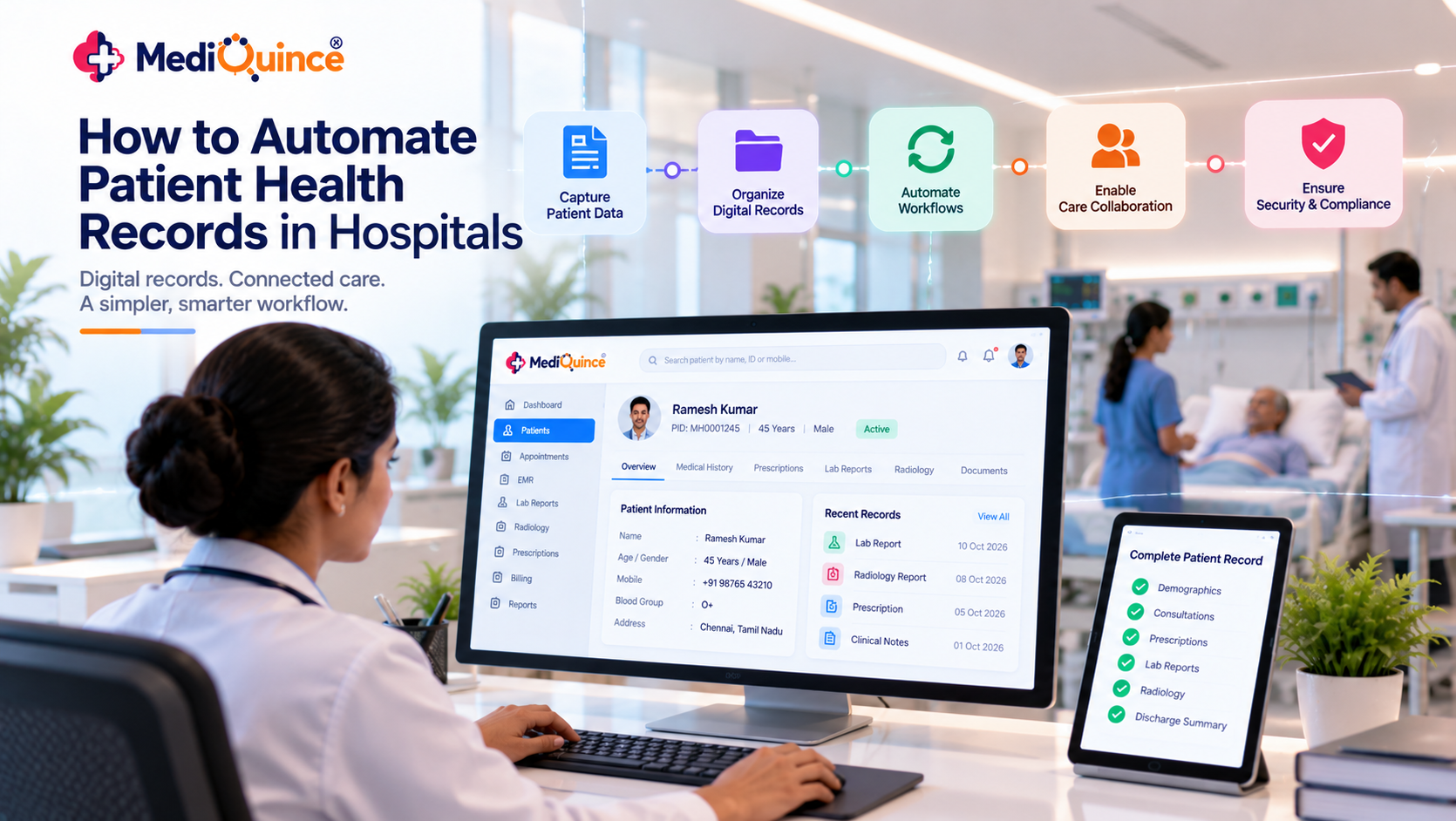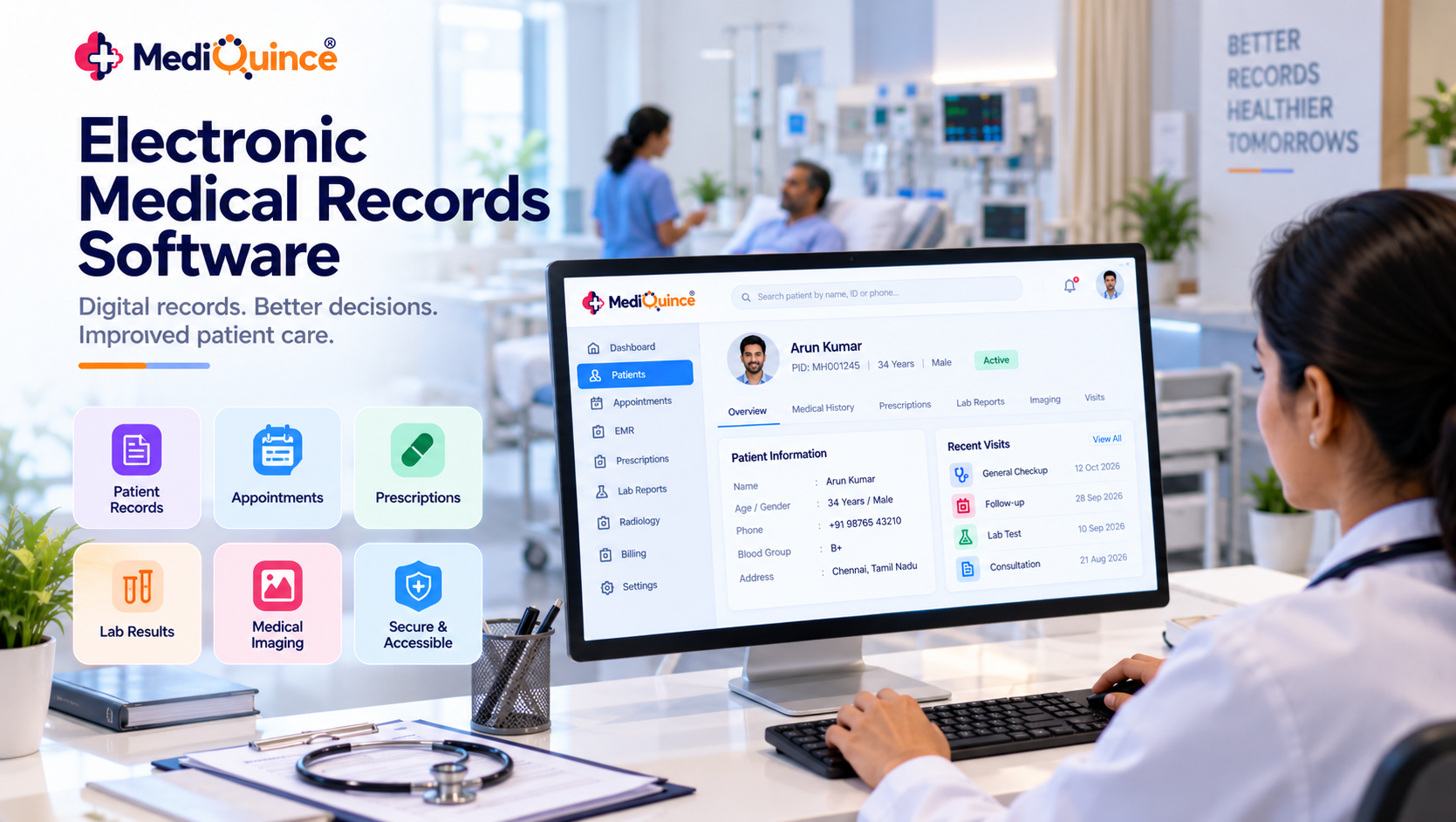

Managing patient queues is an important part of daily hospital and clinic operations. Long waiting times, crowded reception areas, unclear consultation order and delays between departments can affect both patient experience and staff productivity.
A Hospital Queue Management System helps healthcare facilities organize patient queues, manage outpatient visits and monitor consultation progress. It provides a structured approach to patient flow, helping reception teams and doctors coordinate their daily activities.
Whether it is a small clinic or a multi-speciality hospital, queue management software can support appointment coordination, patient registration, OPD queue tracking and consultation status management.
In this guide, learn how hospital and clinic queue management systems work, their key features, benefits and what to consider when choosing the right solution.
What Is a Hospital Queue Management System?
A hospital queue management system is software that helps hospitals organize patient arrivals, manage consultation queues and monitor patient flow across different departments.
Instead of depending entirely on manual registers or verbal instructions, hospitals can use digital queue management to organize patient visits and improve coordination between reception staff, doctors and other departments.
A hospital queue management system may support:
-
Patient registration and check-in
-
Appointment scheduling
-
OPD queue organization
-
Doctor-wise patient queue tracking
-
Consultation status updates
-
Patient visit management
-
Virtual queue management, where supported
Common Queue Management Challenges in Hospitals
Hospitals may face several challenges when managing patient queues manually.
1. Long Patient Waiting Times
Patients may spend more time waiting when appointment schedules and walk-in visits are not properly coordinated.
2. Manual Queue Management
Paper registers and verbal communication can make it difficult to monitor patient order and consultation progress.
3. Poor Coordination Between Departments
Reception teams, doctors and other departments may not have clear visibility into patient visit status.
4. High OPD Patient Volume
During busy hours, managing a large number of outpatient visits can become challenging for hospital staff.
5. Lack of Queue Visibility
Without a structured process, patients and staff may find it difficult to understand consultation progress.
What Is a Clinic Queue Management System?
A clinic queue management system helps clinics organize patient arrivals, appointments and doctor consultation queues. Instead of depending entirely on manual registers or verbal instructions, clinic staff can use a digital workflow to view patient visits and consultation progress.
A clinic queue system may support:
-
Patient registration and check-in
-
Appointment and walk-in patient management
-
Doctor-wise patient queue organization
-
Consultation status tracking
-
Patient queue visibility
-
Virtual queue management, where supported
The available features depend on the software and clinic configuration.
How Does an OPD Queue Management System Work?
An OPD queue management system organizes outpatient visits through a structured process:
-
Patient registration or appointment check-in.
-
Patient arrival confirmation.
-
Queue or token assignment according to hospital rules.
-
Doctor views the patient list.
-
Consultation begins.
-
Consultation status is updated as open, on hold or completed, where supported.
-
The patient proceeds to the next required service.
Emergency and priority cases should be handled according to the hospital's clinical queue policy.
Digital Queue vs Token Queue vs Virtual Queue
Digital Queue
A digital queue organizes patient queue information electronically so authorized staff can monitor patient progress.
Token Queue
A token queue assigns patients a number or identifier to organize consultation order.
Virtual Queue
A virtual queue allows patients to follow their queue status without necessarily waiting in a physical line. The exact notification and tracking capabilities depend on the system.
Hospitals should evaluate which queue method best suits their patient volume, appointment process and doctor availability.
How Does a Hospital Queue Management System Work?
A hospital queue management system generally follows these steps:
-
Patient Registration: Patient details are registered or retrieved from existing records.
-
Appointment or Walk-in Check-in: Staff record scheduled appointments and walk-in patient arrivals.
-
Queue Organization: Patients are organized according to the hospital's queue rules and consultation workflow.
-
Doctor Consultation: Doctors and authorized staff can view patient lists and consultation progress.
-
Status Updates: Patient visit status is updated as the consultation progresses.
-
Further Department Visits: Patients may proceed to laboratory, radiology, pharmacy or billing services according to their requirements.
Hospitals should configure queue rules to accommodate emergencies and priority cases.
Types of Queue Management Systems Used in Hospitals
1. Manual Queue Management
Hospitals use registers, paper tokens or verbal announcements to manage patient queues. This approach may become difficult when patient volume increases.
2. Digital Queue Management
Software helps staff organize patient queues and view consultation progress through a digital system.
3. Token-Based Queue Management
Patients receive a token number that helps identify their position in the consultation queue.
4. Virtual Queue Management
A virtual queue helps organize patient waiting and consultation flow digitally. Depending on the system, patients may receive queue-related updates without depending entirely on physical queue arrangements.
5. Appointment-Based Queue Management
Scheduled appointments are coordinated with patient check-in and consultation workflows to support more organized visits.
What Is a Clinic Queue Management System?
A clinic queue management system helps clinics organize patient registration, appointments and doctor consultations. It provides a structured way to manage walk-in patients and scheduled visits while helping reception staff monitor the patient queue.
Key Features of a Clinic Queue Management System
-
Patient Registration: Register new patients and retrieve existing patient details.
-
Appointment Scheduling: Organize scheduled clinic visits.
-
Patient Queue Tracking: Monitor patients waiting for consultation.
-
Doctor-wise Queue Management: Organize patient lists based on doctor availability.
-
Consultation Status: Track whether a patient is waiting, in consultation or completed, depending on available software features.
-
Patient Visit Management: Maintain organized patient visit records.
Using clinic queue software can help reduce manual queue management work and improve coordination between reception staff and doctors.
What Is an OPD Queue Management System?
An OPD queue management system helps hospitals organize outpatient department visits, from patient registration to doctor consultation. It supports better coordination between reception teams and doctors by providing visibility into outpatient patient queues.
How OPD Queue Management Works
-
Patient Registration: Register the patient or retrieve their existing hospital record.
-
OPD Check-in: Record the patient's outpatient visit.
-
Queue Organization: Arrange patients according to the hospital's consultation workflow.
-
Doctor Consultation: Doctors view their patient list and manage consultations.
-
Consultation Status Update: Update patient visit progress as the consultation moves forward.
-
Visit Completion: Complete the OPD visit and proceed with any required next steps.
Benefits of OPD Queue Management Software
-
Organizes outpatient patient queues.
-
Helps reception staff monitor waiting patients.
-
Improves coordination between doctors and front-office teams.
-
Supports appointment and walk-in patient management.
-
Reduces dependence on manual queue registers.
-
Helps hospitals manage daily OPD workflows more systematically.
A suitable OPD queue management system should support the hospital's patient registration, appointment and consultation processes.
Essential Features of Patient Queue Management Software
A hospital or clinic should evaluate the following features:
1. Patient Registration
Maintain patient details and visit information in an organized manner.
2. Appointment Management
Organize scheduled patient visits and coordinate appointments with outpatient workflows.
3. OPD Queue Tracking
Monitor outpatient consultation queues and help staff manage patient flow.
4. Consultation Status
View patient visit progress during the consultation process.
5. Doctor-wise Queue Management
Organize patient lists according to doctor and department workflows, where supported.
6. Virtual Queue Support
Manage digital queue workflows where available.
7. Patient Notifications
Check whether the system supports queue-related notifications.
8. Reports and Analytics
Review patient flow and operational activity where reporting is available.
Benefits of Queue Management Software for Hospitals and Clinics
1. Organized Patient Flow
Helps structure patient registration and consultation processes.
2. Better Queue Visibility
Makes it easier for staff to understand patient queue status.
3. Improved Staff Coordination
Supports communication between reception teams and doctors.
4. Reduced Manual Work
Reduces dependence on paper-based queue registers.
5. Appointment Coordination
Helps manage scheduled visits alongside outpatient workflows.
6. Better Waiting Experience
Provides a more organized approach to patient visits.
7. Operational Insights
Helps administrators identify recurring delays and busy periods.
Queue management software can support better coordination, but actual waiting times also depend on patient volume, doctor availability, emergencies and consultation duration.
How to Choose the Right Hospital Queue Management System
Before choosing queue management software, consider the following:
-
Hospital or clinic patient volume
-
OPD and appointment workflow requirements
-
Doctor-wise and department-wise queue requirements
-
Patient registration integration
-
Consultation status tracking
-
Virtual queue and token support
-
Reporting and analytics
-
Data security and access controls
-
Ease of use for receptionists and doctors
-
Software scalability and support
Request a product demonstration using your actual patient workflow before making a decision.
How Mediquince Supports Hospital Queue Management
Mediquince Hospital Management Software highlights a virtual queue system for hospitals. Its Doctor App also supports outpatient patient lists and consultation-status tracking.
These capabilities can help hospitals organize outpatient workflows and improve coordination between reception staff and doctors.
Hospitals can explore Mediquince Hospital Management Software and request a product demonstration to understand the available queue configuration and how it fits their operational requirements.
Conclusion
A hospital queue management system plays an important role in organizing patient visits, managing OPD queues and improving coordination between reception staff and doctors. From clinic queue management to virtual queue workflows, the right software can help healthcare facilities create a more structured patient flow.
Mediquince Hospital Management Software supports hospital workflows through its virtual queue system and Doctor App consultation-status features. Hospitals can explore these capabilities and request a demo to understand how they fit their patient management requirements.